
All your processes in one digital workspace.
Customers, planning, hours, documents and invoices in one system. Assembled from the modules your organisation needs.
Discover All-in-1What we build
All your processes in one digital workspace.
Customers, planning, hours, documents and invoices in one system. Assembled from the modules your organisation needs.
Discover All-in-1Software that adapts to your organisation.
Calculators, configurators and internal tools. From one smart screen to a complete application.
Discover custom softwareLet recurring work happen by itself.
Reading requests, passing on tasks and answering questions. The software does the groundwork; you stay in control.
Discover AI & automationOne platform. Every role its own environment.
Office, staff and customers work in the same environment, each with the right permissions.
Discover digital platformsLet your systems exchange data.
Webshop, accounting, CRM and planning connected. Enter data once, up to date everywhere.
Discover integrationsSee at a glance how your organisation is doing.
Revenue, hours, projects and planning in one overview that updates itself.
Discover dashboardsProjects
We make a clear distinction between delivered client projects, our own products and demonstrations. So you always know what you are looking at.
01
We only publish client cases with permission.
Much of our software work runs internally at clients and contains business data. That is why we only show projects here for which the client has given permission. During an introduction we are happy to tell you more about comparable work.
Book an introduction02
Amocean’s own software products will appear here as soon as they are publicly available. Until then you can view our demonstrations and concepts below.
03
Working demonstrations with fictitious data. Not client assignments, but working software you can try.
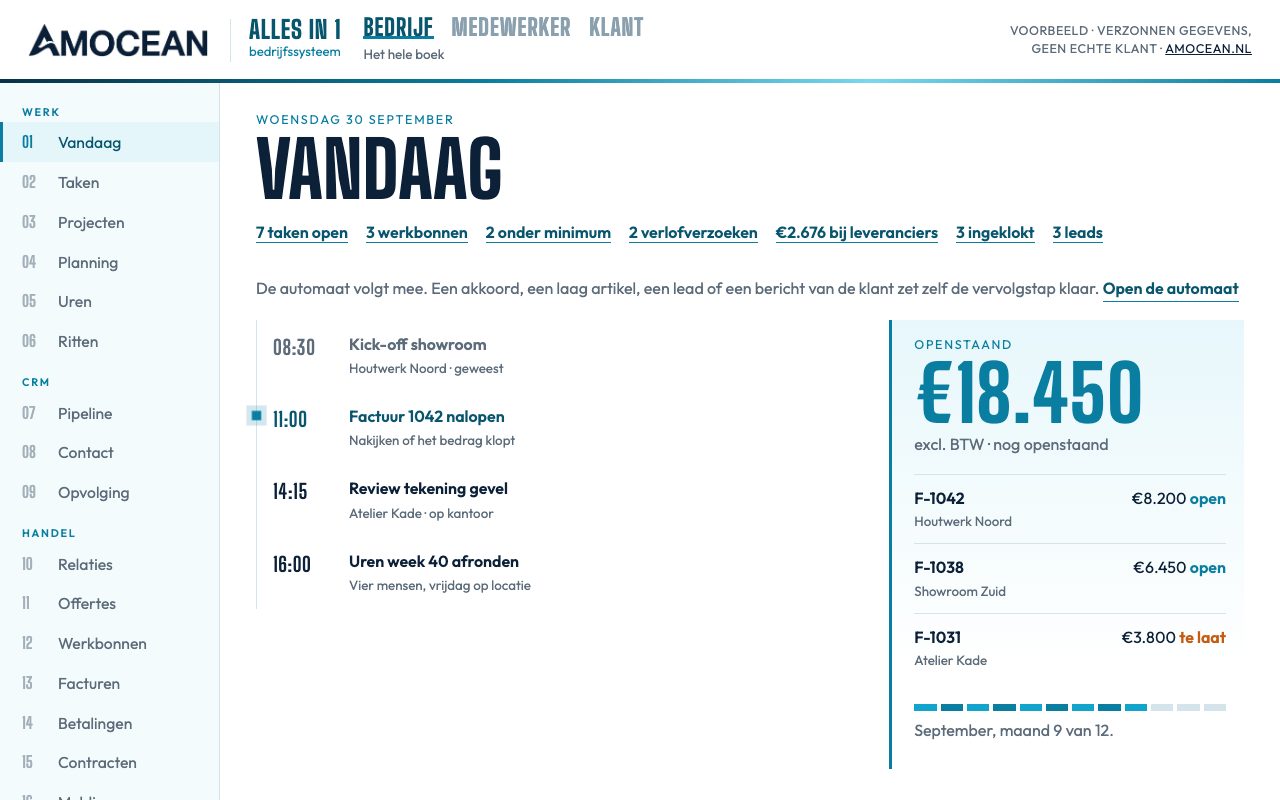
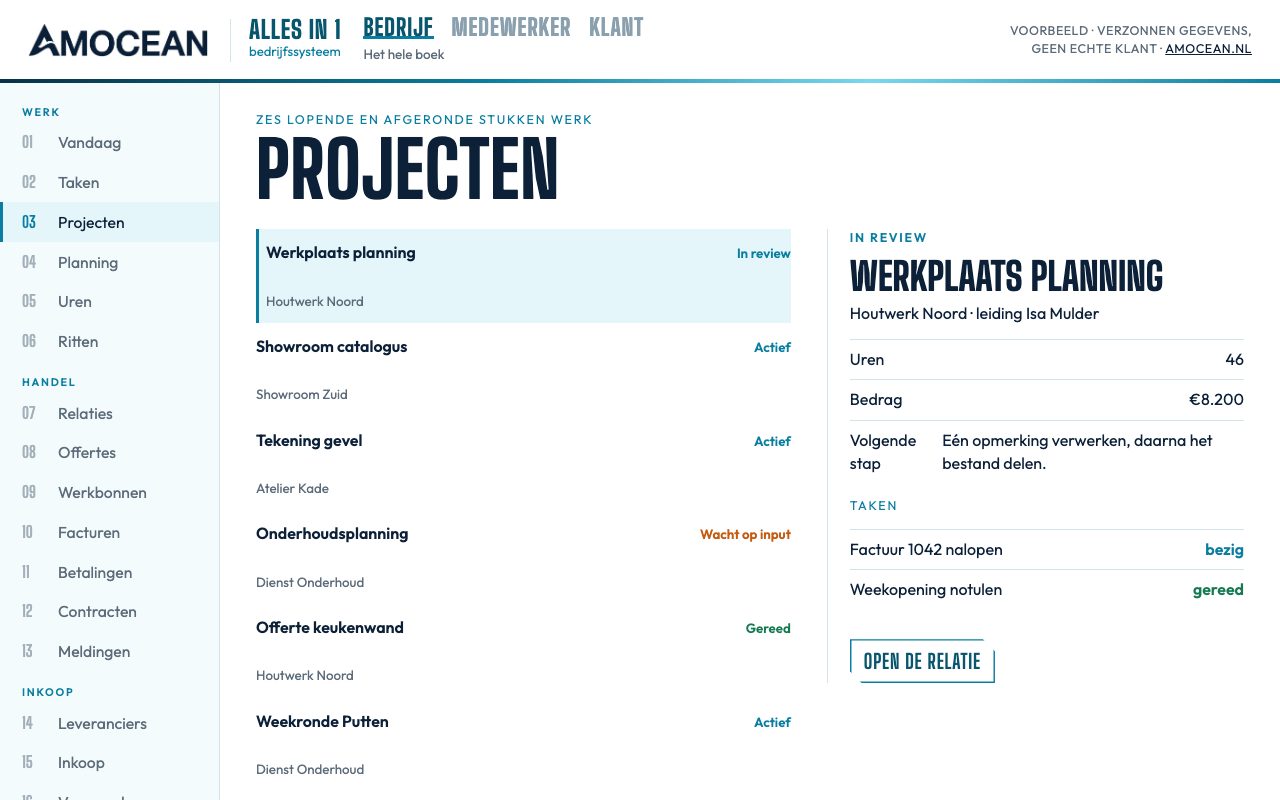
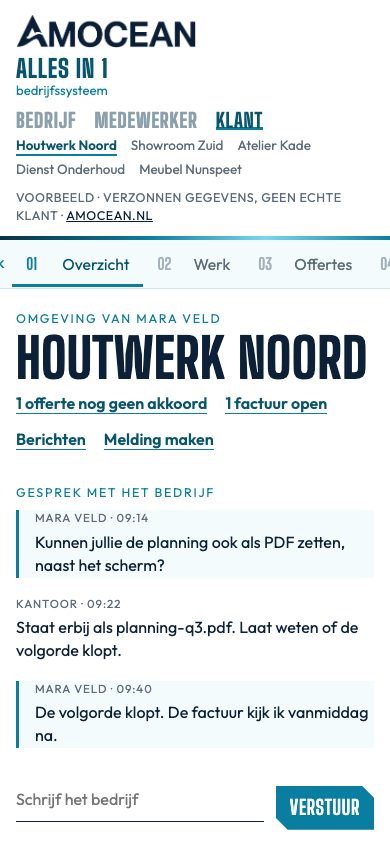
Concept with fictitious data · Industry-independent
Demo with fictitious data · Industry-independent
Tell us where you are running into problems. We think along with you and give honest advice, even when the solution is smaller than you expect.